The screenshots, the ads, and the tool behind them
How I use Shelfshot to turn app captures, typography, device mockups, and artwork into store screenshots and ad concepts.
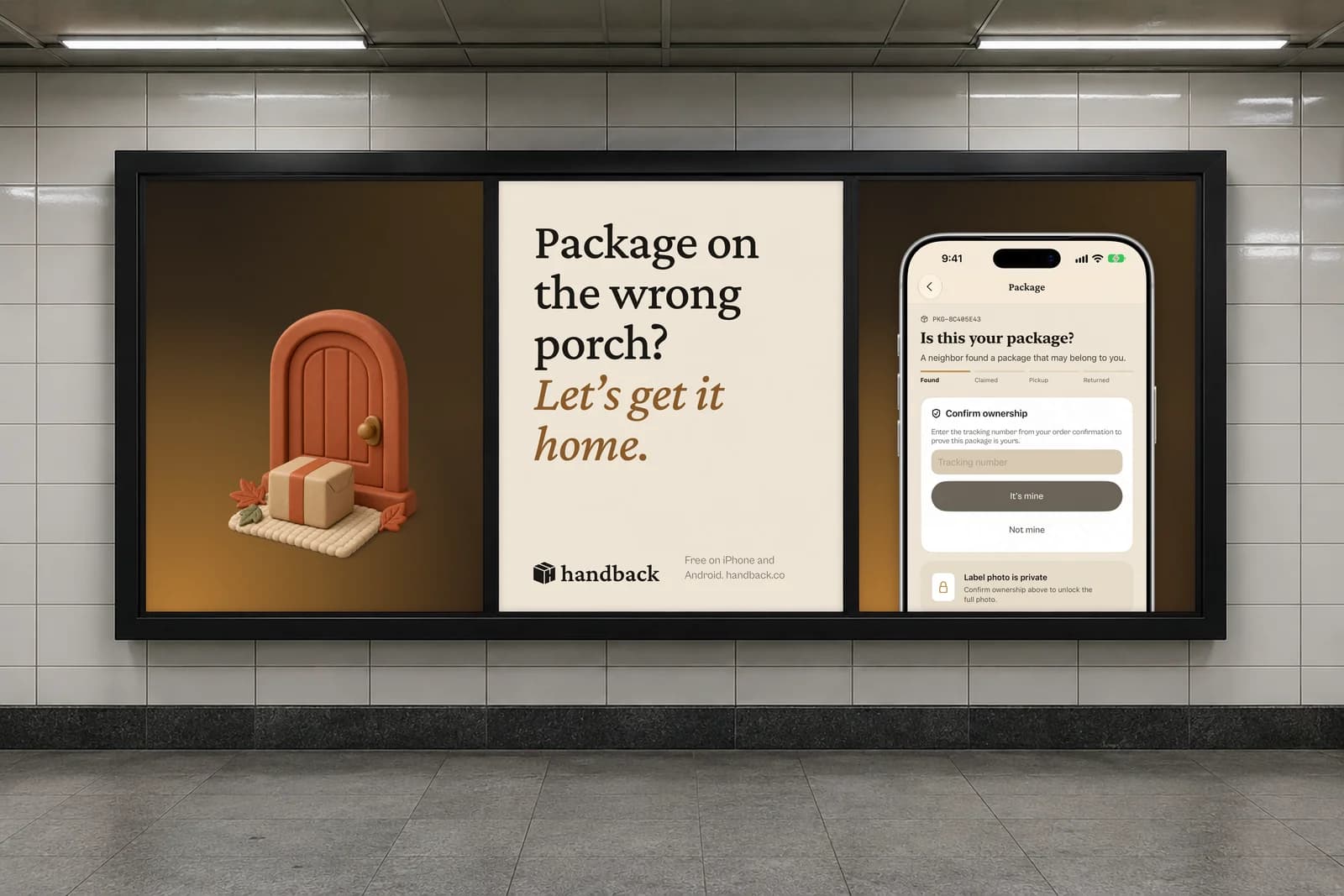
Every app needs images around it: store screenshots, website mockups, social posts, and ads. Making them once is fine. Updating all of them when a screen or a line of copy changes gets repetitive.
I built Shelfshot with AI to make that part easier. It’s an internal tool that brings app captures, device renders, typography, and artwork together. The code is AI-generated; I direct the workflow and designs.
The store screenshots
For Handback, I kept the same paper tones, bronze, and typefaces as the app. Each frame explains one thing: what the app does, how to scan a label, or how a handoff works.
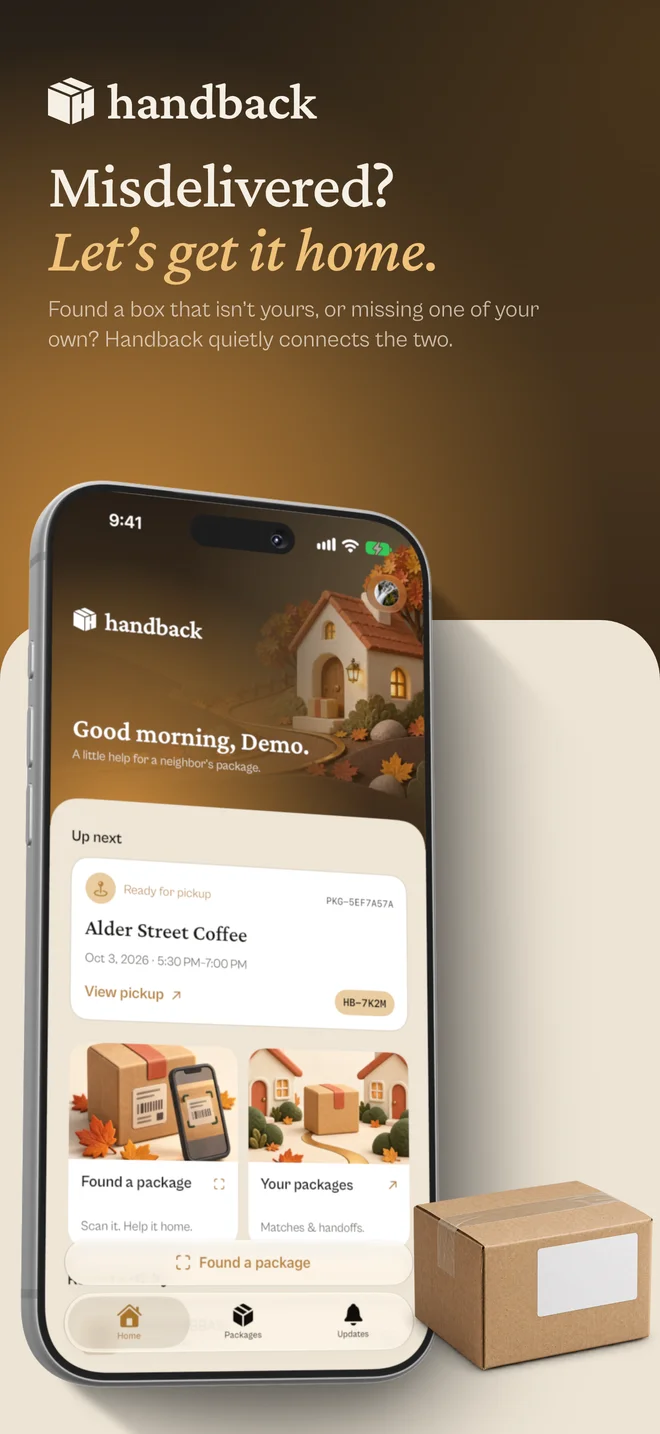
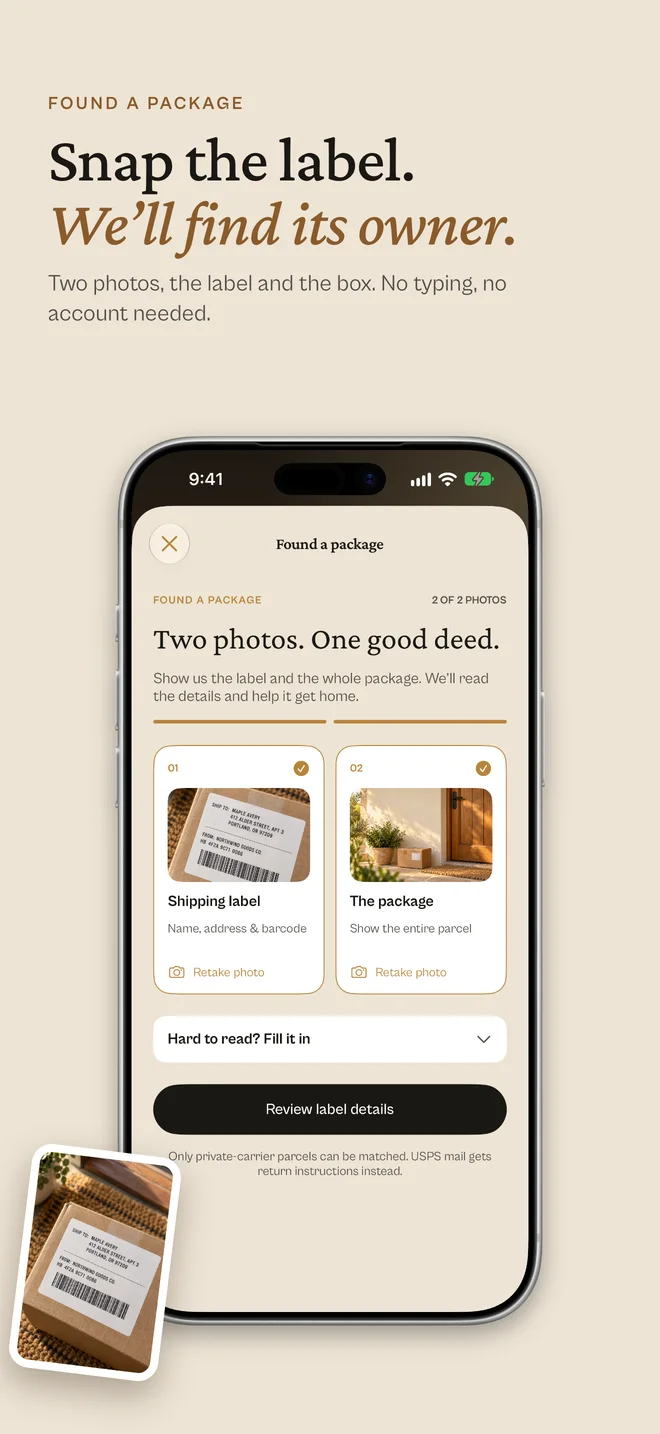
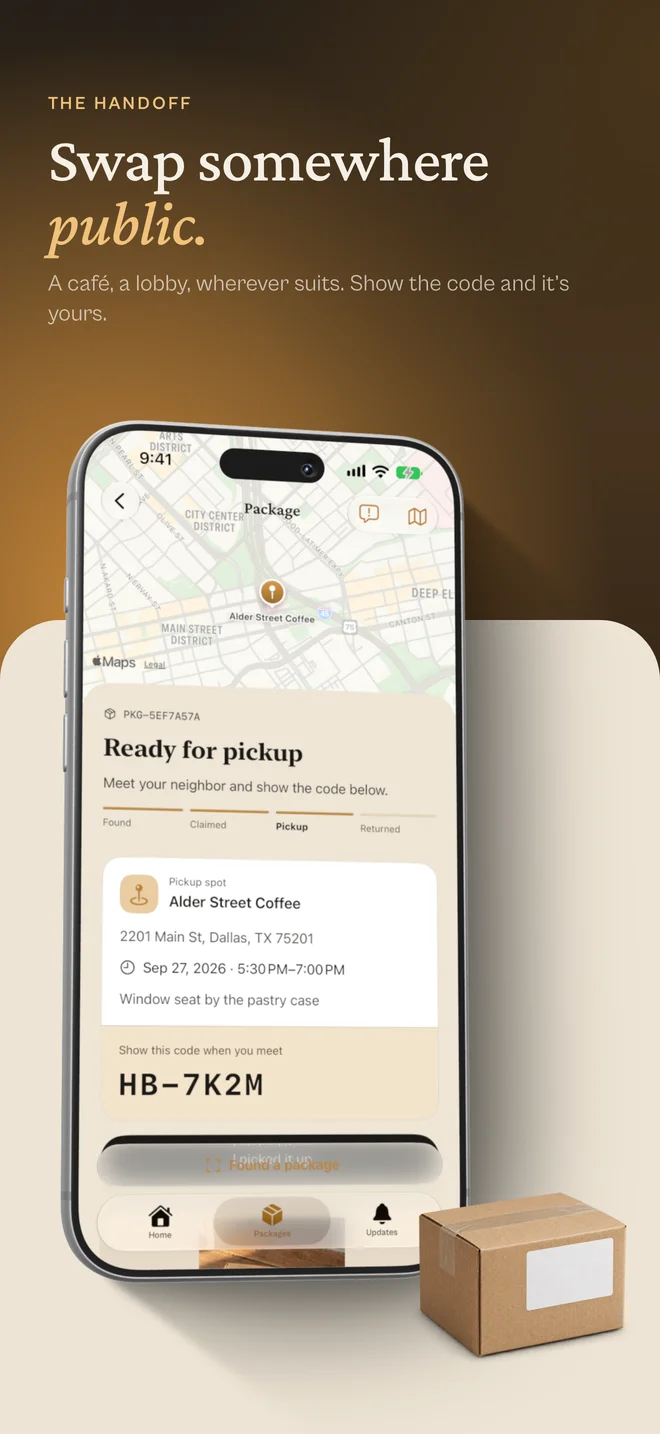
The process is capture, compose, render. Rotato handles the 3D devices; flat bezels work when the interface needs a clearer view. The layouts live in code, so a change can carry through the exports without rebuilding every image by hand.
I still adjust each format. A tall iPhone frame and a landscape iPad frame need different compositions, even when they use the same ingredients.
Taking it into ads
I also made billboard, mailroom, and bus-shelter concepts. The environments are AI-generated, with branded artwork composed separately and placed into them. These are mockups, not ads that ran in those locations.
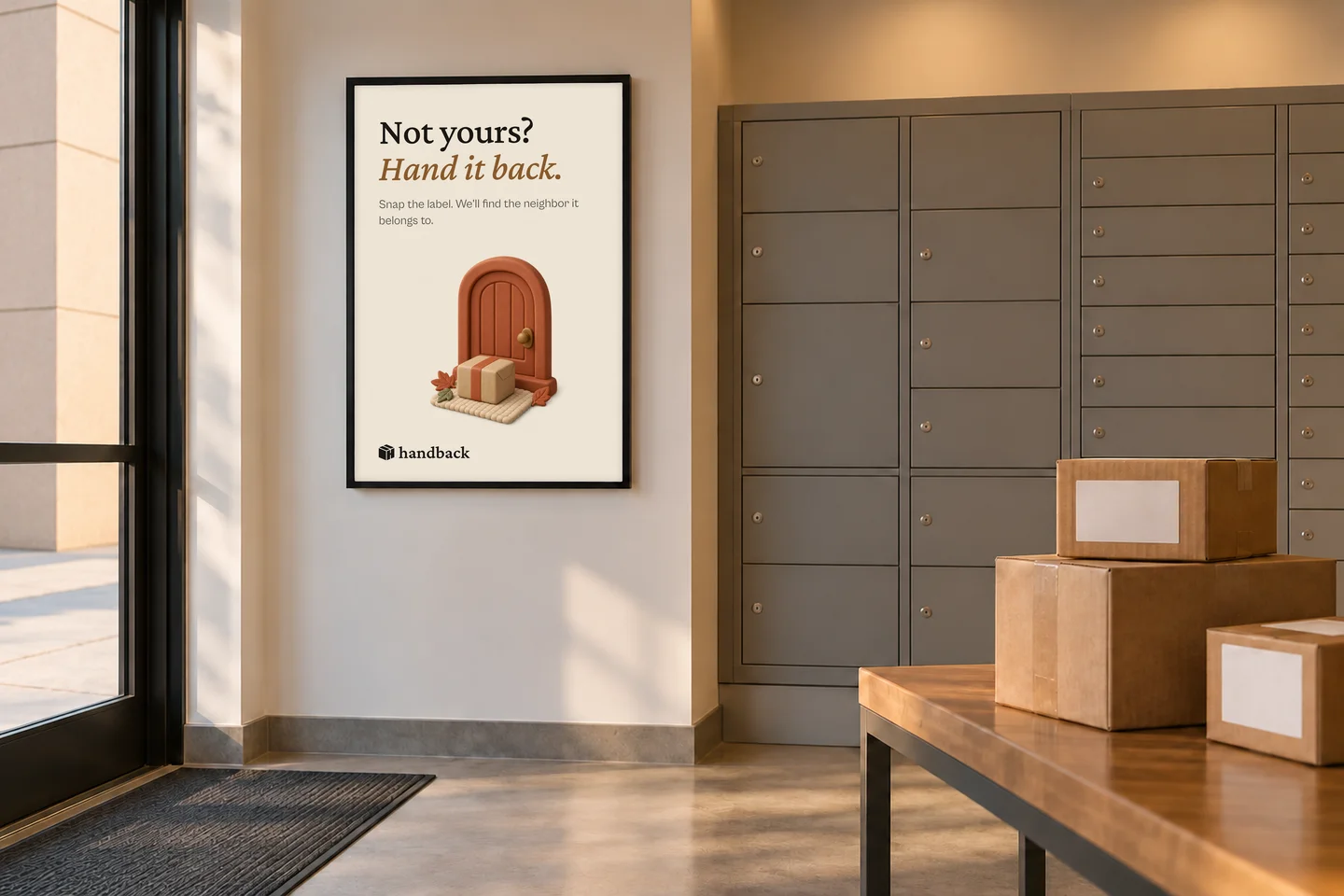
“Not yours? Hand it back.” works in a mailroom. A billboard needs a quicker read. That’s the part I enjoy directing: deciding what someone should notice first, then iterating on the type, image, and spacing until it works.
Shelfshot makes the production repeatable. The choices about what to say and how it should look still come from me.